
Is my child safe at school? Has he reached his class on time?
These are the questions that worry every parent every single day. At Girishwar Services, we believe that peace of mind shouldn’t be a luxury—it should be a standard.
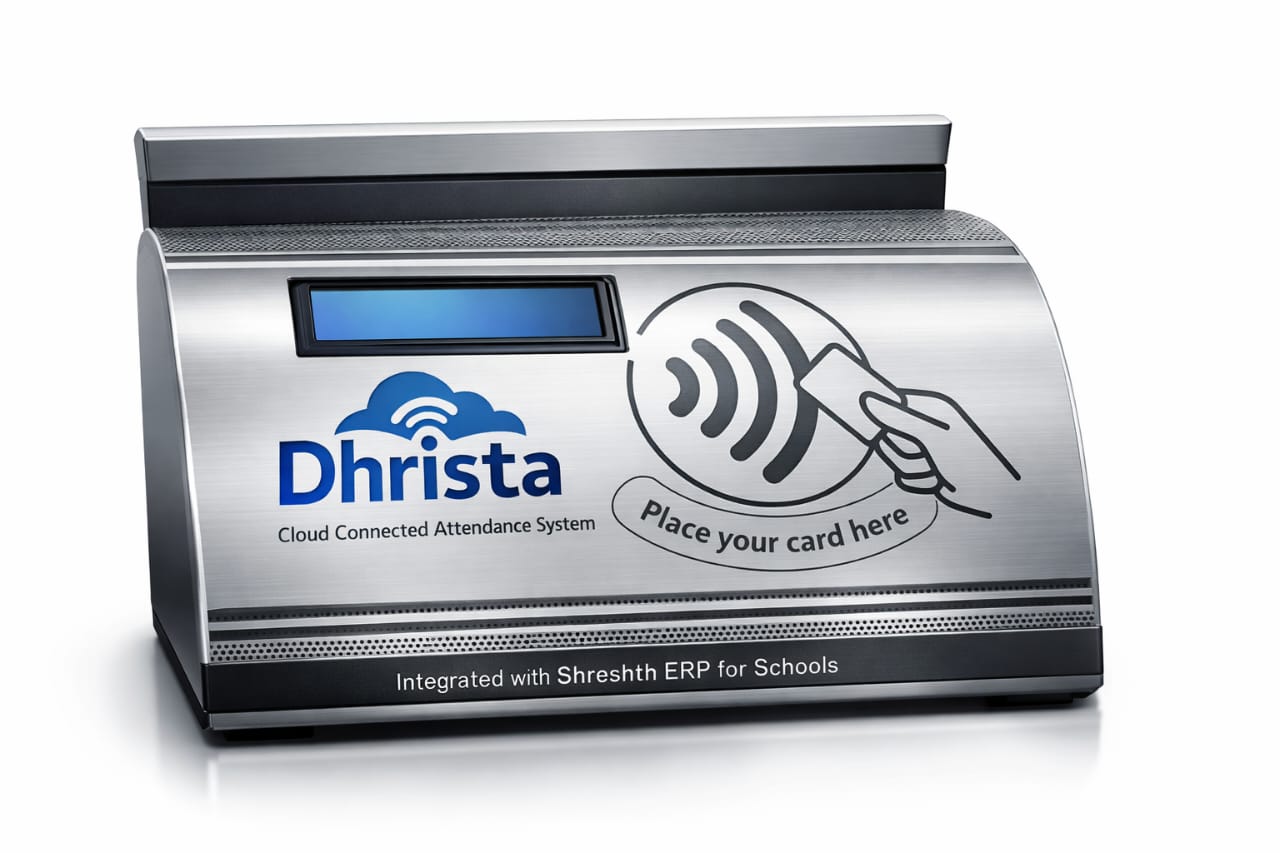
We are proud to introduce our latest hardware integration: The Dhrista Cloud-Connected Attendance System, fully integrated with Shreshth ERP.
Say Goodbye to Manual Registers
Gone are the days of manual roll calls that waste valuable teaching time. With the new Dhrista machine, attendance is automated, instant, and accurate. But this is more than just an attendance machine; it is a comprehensive safety communication tool.
How It Works: The Power of Shreshth ERP
The magic happens through the seamless integration with Shreshth ERP. Here is how the process works in real-time:
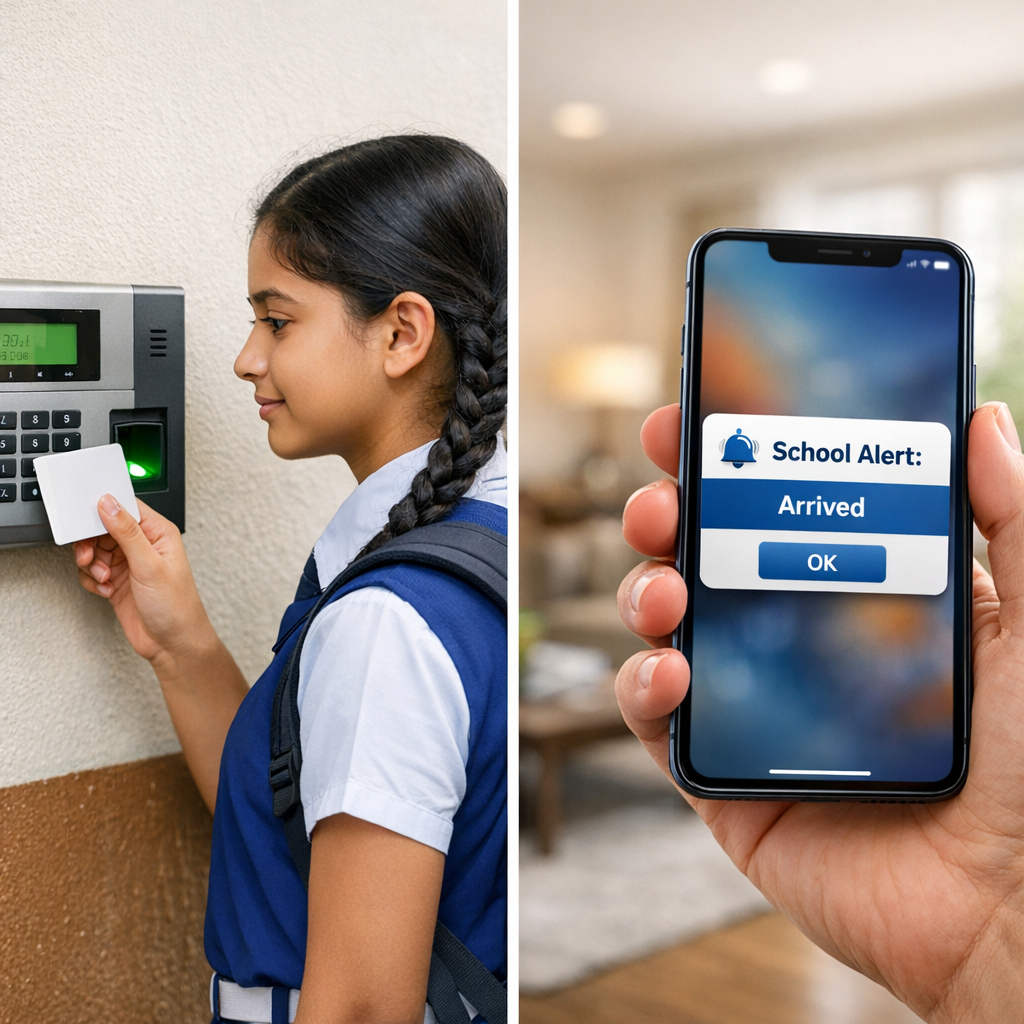
- Tap & Go: The student simply taps their smart ID card on the Dhrista machine upon entering the school gate.
- Instant Sync: The data is immediately sent to the Shreshth ERP cloud server.
- Real-Time Notification: Within seconds, the system triggers an automatic notification (SMS/App Alert) to the parents’ mobile phones.
Key Features & Benefits
- Real-Time Alerts for Parents: Parents receive an instant update: “Your child [Name] has reached school at [Time].” They also get a notification when the child leaves the premises.
- 100% Accuracy: Eliminates human error in attendance marking.
- Cloud Connectivity: Data is stored securely in the cloud and is accessible from anywhere via the Shreshth ERP dashboard.
- Robust Design: The Dhrista machine is built with a durable metal finish, designed to withstand the daily rush of school environments.
Why Schools Need This Now
Safety is the number one priority for modern schools. By implementing the Dhrista system with Shreshth ERP, schools not only improve their administrative efficiency but also build a bridge of trust with parents. It ensures transparency and keeps parents informed about their child’s whereabouts instantly.
Upgrade your school’s safety standards today with Shreshth ERP and Dhrista.
Hi, this is a comment.
To get started with moderating, editing, and deleting comments, please visit the Comments screen in the dashboard.
Commenter avatars come from Gravatar.